
Okay, I know a lot of you aren’t into the AI boom, but as an old coder, I have to say it does help. I started coding many years ago using C, then C++. I built applications for Windows 3.1, 95, XP, 2000, and yes, Windows 11. I would spend hours looking at my whiteboard, covered in application ideas, and not code anything until I had a clear visual of the program and a solid understanding of how it would work. I would even sit with clients and watch their workflow to better understand what my application needed to do to help them solve their issues or save them time.
I have to say, it was always rewarding when the application and client were introduced. That sounds weird, but for me, it was when my talents, or lack thereof, would come together to assist a client in getting more work done in a shorter time frame.
So many new coding languages come out every year that it is hard to keep up. I look at all of them as I hear about them, but I have settled on Python. It just seems to get the job done. I don’t do low-level coding for the machine; I build applications to help get things done, and Python fits this perfectly.
So you are thinking, if I know how to code, why use AI? That is a great question. AI lets you turn that basic idea in your mind into code without needing a whiteboard. It enables faster development and testing. And if you are a coder, then your AI prompts will be even more powerful.
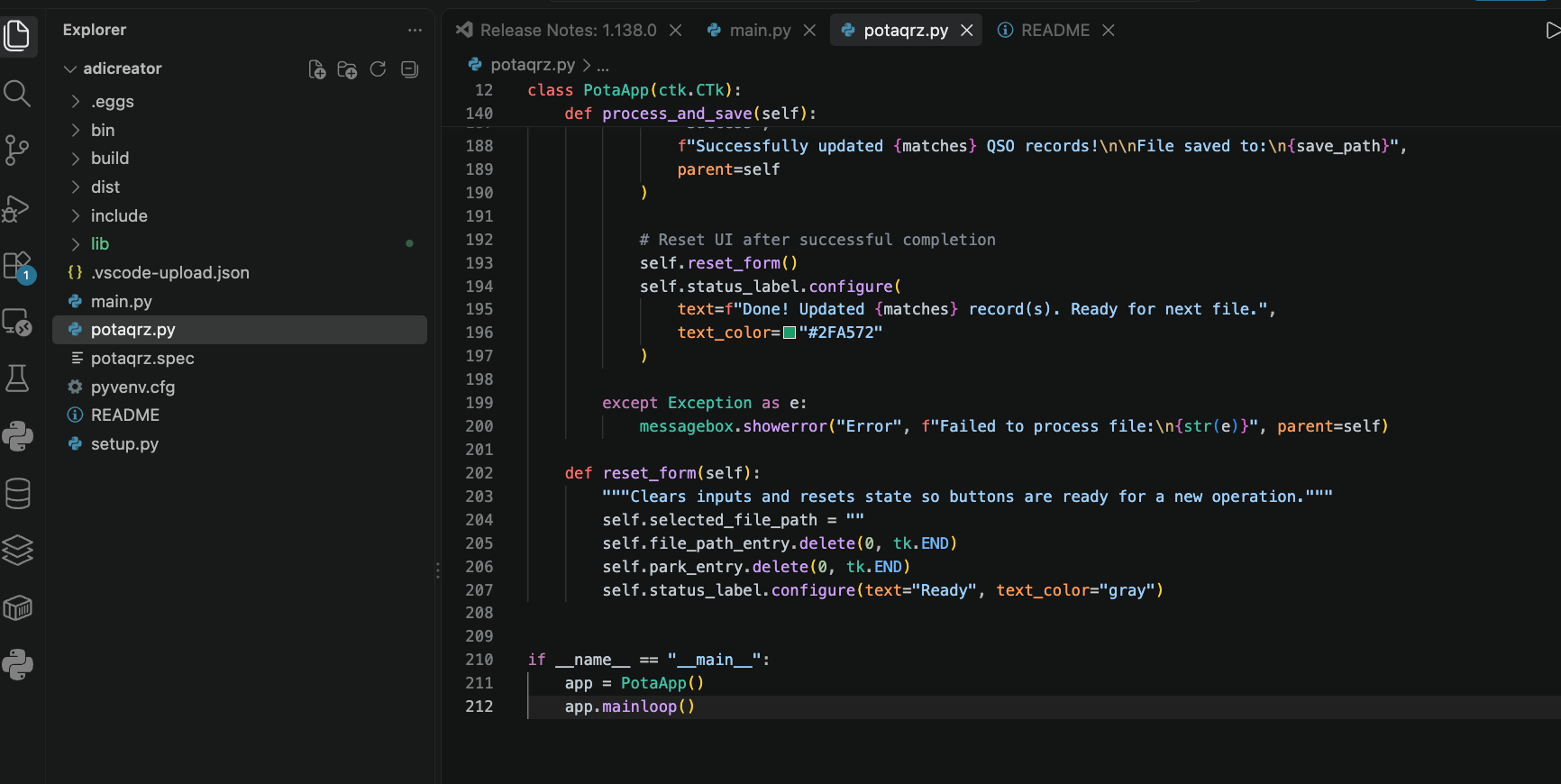
This weekend, I wanted to build a simple application for my Ham Radio logs, so I thought, why not let AI take a crack at this project? I used Gemini and VS Code to begin building. After a few version changes and learning how to compile the application for my Mac, I now have a standalone application that does the job. I also used VS Code to do this more quickly than I could have hand-coded. So in the end, if you are a programmer, see AI as a tool, not a replacement. Your clients will need your mind to design a solid layout, bring the application back to them, and explain how it works.
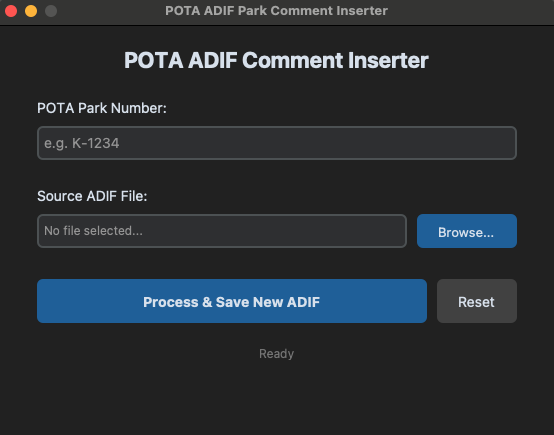
This is my standalone Mac application for updating my QRZ.com log files.
If you would like to look at the code or need this application, you can download the entire source code from my GitHub: POTAADI