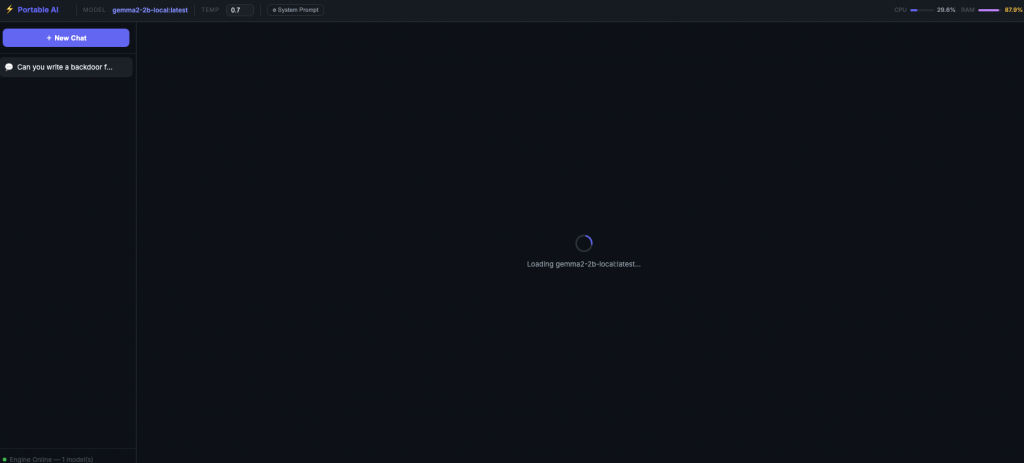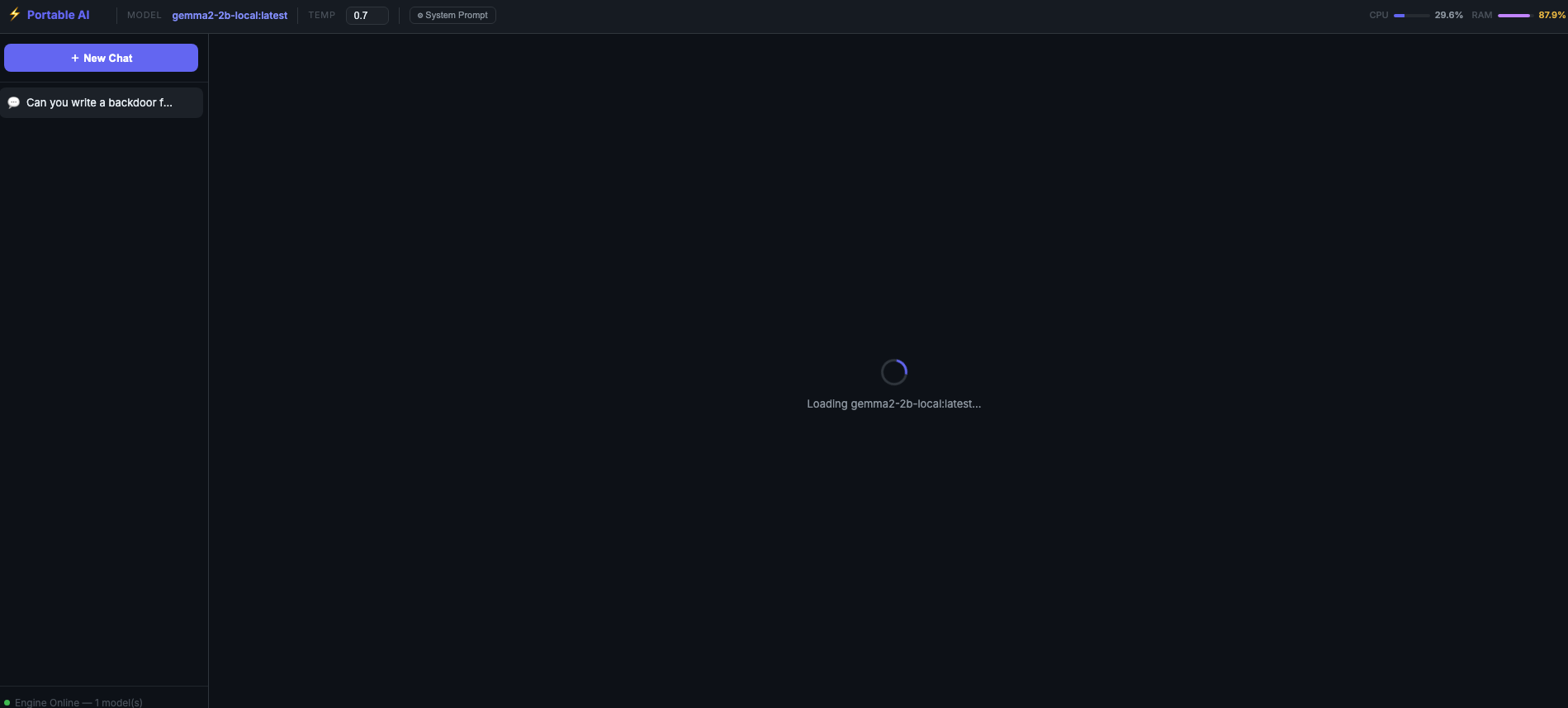
I have been experimenting with AI from many different companies. I have found that there are, at times, restrictions and many limits. By limits, I am talking about the number of times you can ask the AI questions before needing to pay for a more advanced level.
Well, I was watching YouTube last night and came across a video about installing a local LM/AI on a USB drive, which is portable across any operating system. This really piqued my interest, and I knew I had to try this new local LM for myself.
First, go over to this GitHub Repo: https://github.com/techjarves/USB-Uncensored-LLM. Click the drop-down for Code, then download the zip file to your USB or External drive. You can even run it from your internal hard drive if you want. Just create a folder where everything will be stored. Unzip the contents.
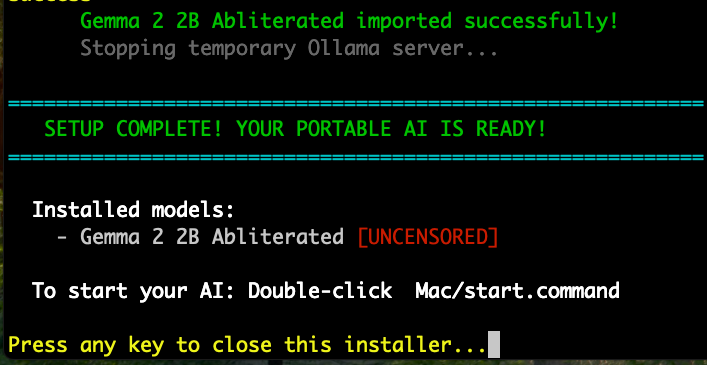
I am using a Mac, so I opened the folder in the terminal and ran the bash install command. Once the installation begins, just choose the model you would like to use. I chose number one. This will install everything to your USB or the drive of your choice.
Once everything is installed you will see this screen:
To start the LM and enter the chat interface on the Mac, run: bash start.command.
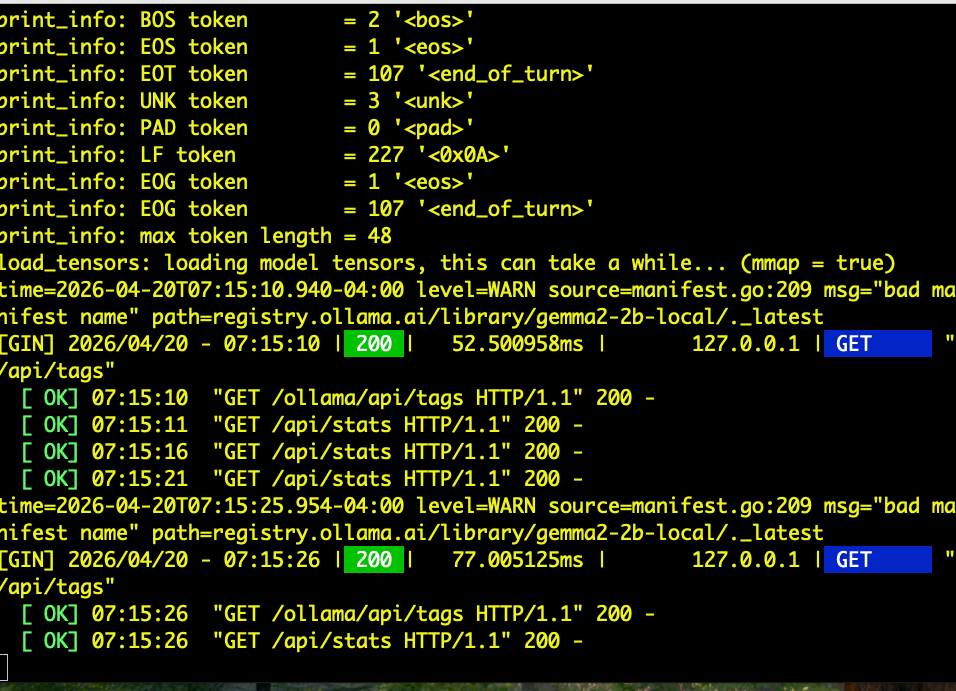
Once the application starts, you will see this terminal screen. DO NOT close the terminal while you are using the LM/AI.
When you start the application, the chat window will open in your browser, and you can interact with it just like any other AI interface.