
There are all kinds of software that will clean your Mac. I only looked at a few of these packages, like Clean My Mac, but I always felt the price was too high for what you get. I was watching YouTube the other day and came across a video showing how to use a free, open-source cleaning package for Mac.
The software is called Mole, it is FREE and Open Source. To install Mole, open up your terminal and enter. brew install mole. It will not take long to install.
Once Mole is installed in your terminal, enter: mole
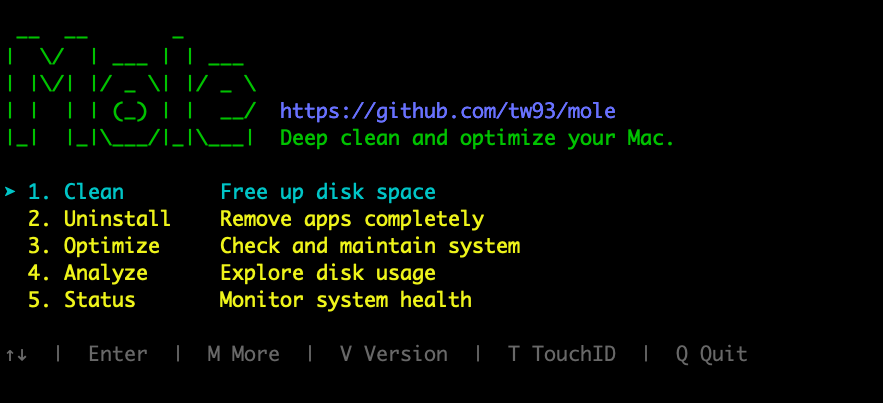
When Mole opens you will have five options. Select number one and hit enter on your keyboard. This will scan you Mac and clean up any un-needed files from the system. When I ran this on mine the first time is saved my over 90 Gig of space.
Next, I ran Optimize, and it made my Mac run just a little better. I would suggest running this once a month.
Number five, status, shows you a lot of information about your Mac.